
Guide · controls
Webbed controls
Checked and updated · Sources
On keyboard, WASD moves, Space jumps or opens the leaf parachute, left mouse fires a grapple you swing from, right mouse weaves a permanent bridge, E fires the laser, F interacts, Q dances, Tab opens the journal and Esc pauses. Controllers are fully supported; on Switch, PlayStation and Xbox follow the on-screen button prompts.
Keyboard and mouse
| Action | Key | What it does | Status |
|---|---|---|---|
| Move | W A S D | Walk along branches, walls and ceilings; prototype lists A/D walking and WASD on webs | 2 full-game guides; prototype partly agrees |
| Jump / parachute | Space | Jump; hold in the air to float on a leaf | 3 sources |
| Grapple | Left mouse | Shoot a temporary line and swing from it | 3 sources |
| Weave | Right mouse (hold, aim, release) | Draw a permanent web bridge between two points | 3 sources |
| Laser | E | Fire a laser; it also cuts your own webs | 3 sources |
| Interact | F | Talk, pick up and use objects | 2 sources |
| Dance | Q | Dance — your boyfriend follows you, and you can dance with other bugs | 2 sources |
| Journal | Tab | Map, collectibles and stickers | 2 sources |
| Pause | Esc | Pause and options | 2 sources |
Controller, consoles and Steam Deck
Steam lists full controller support, and the console versions are built for a pad. Button names differ by platform, so follow the prompts the game shows on screen. On Steam Deck the game is Verified with a working default layout; Valve confirms that the default controller layout is functional.
Swing vs weave: the one thing to learn
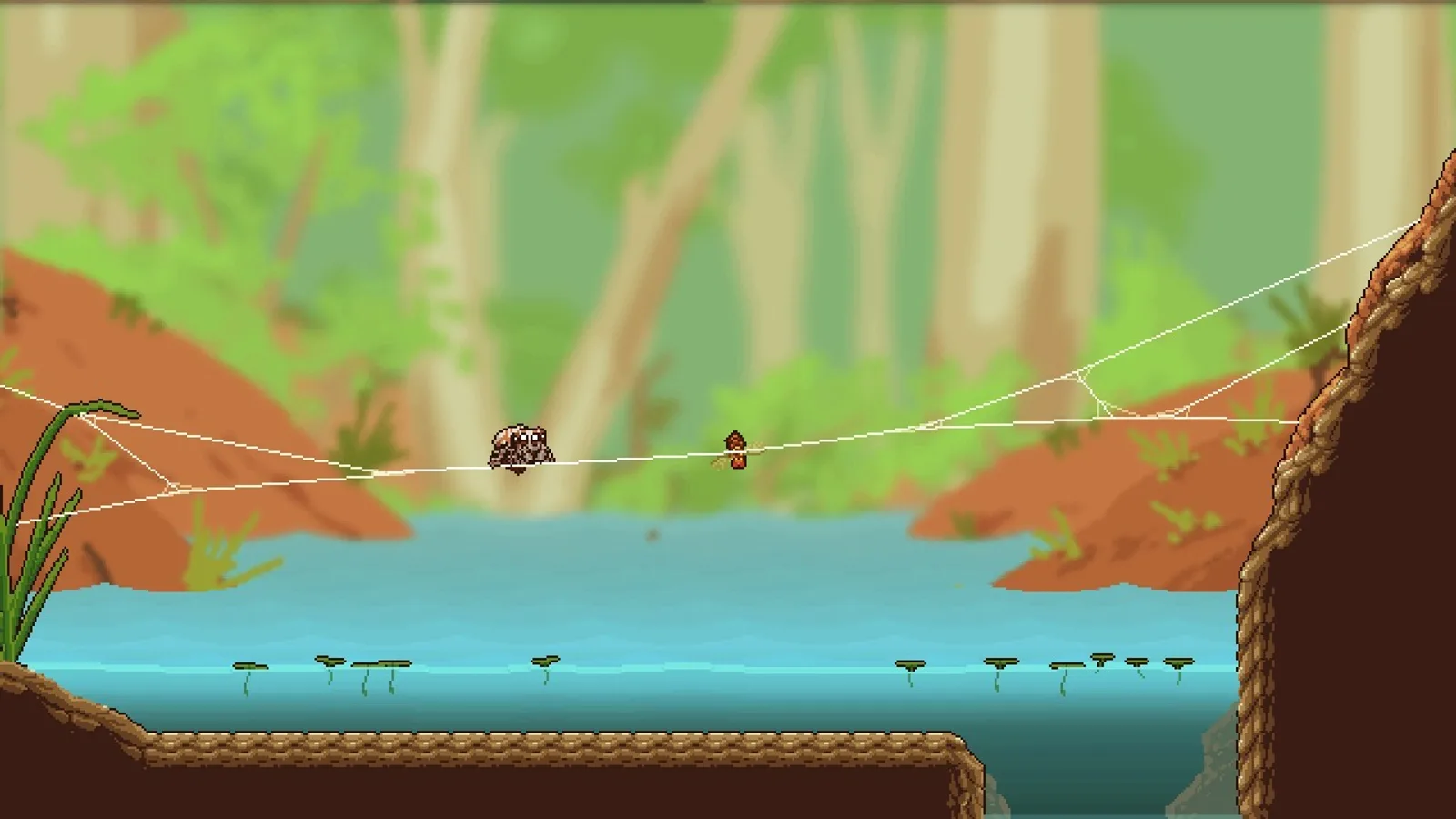
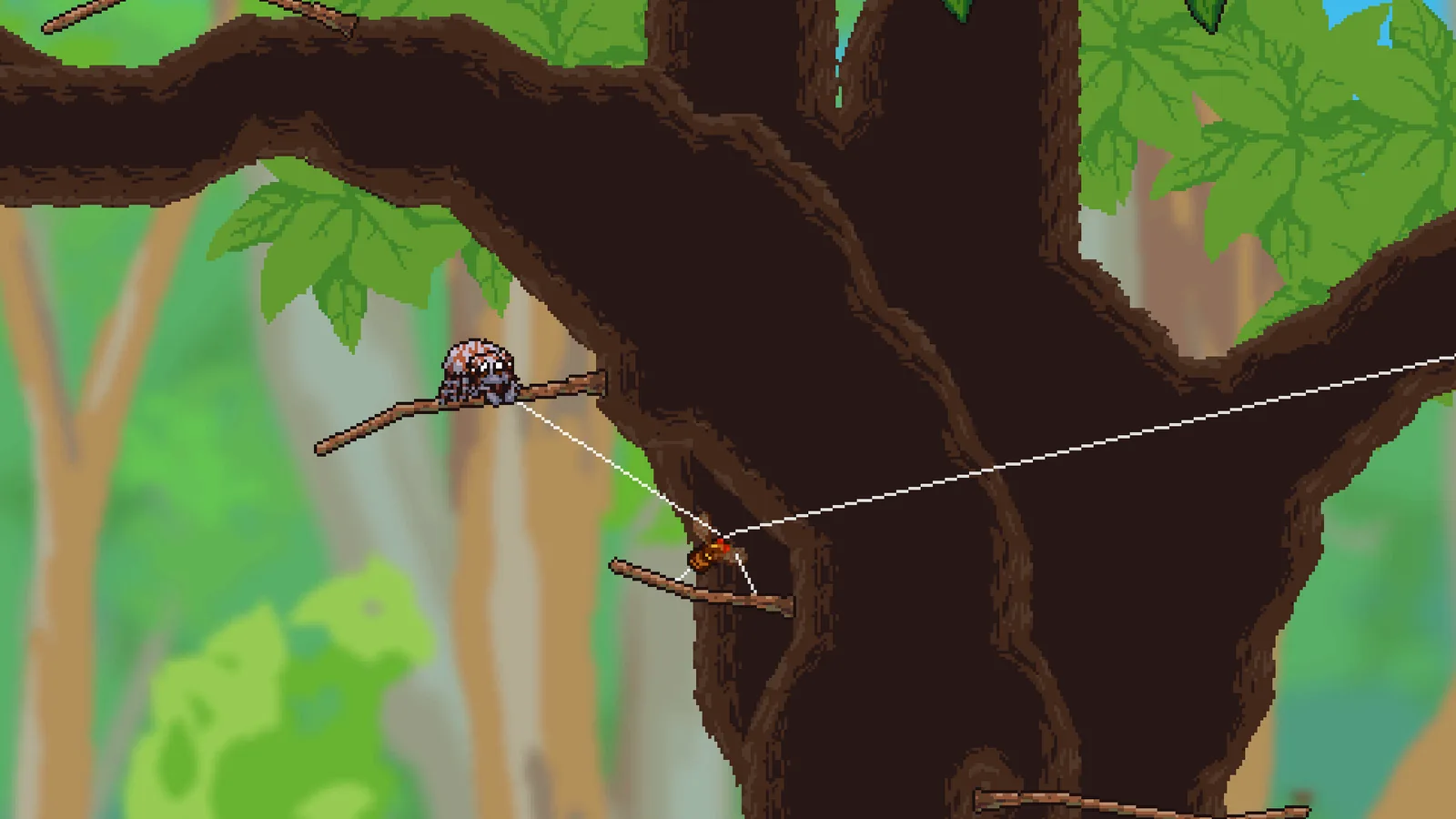
Most early frustration comes from mixing up the two silk moves. The grapple (left mouse) is a temporary zip line: it disappears when you let go, and it is for momentum. The weave (right mouse) is permanent: hold, drag to a second point and release to leave a bridge that stays, which is how you carry objects and build paths for other bugs.
Common control mistakes
- Tapping the weave. It needs hold, aim, release — a tap does nothing useful.
- Lasering through your own bridge. The laser cuts your webs too; aim around them.
- Swinging from mud. In the Dunghill silk will not stick to mud; aim at rocks and bones.
- Searching for a Roblox “webbed controls” guide here. That is a different game — see What “webbed” means.
FAQ
Does Webbed have controller support?
Yes. Steam lists full controller support, and the Switch, PlayStation and Xbox versions are played with a controller.
How do you make a web bridge in Webbed?
Hold the weave button (right mouse on PC), drag to a second anchor point and release.
Can you rebind keys in Webbed?
The guides used here list default keys only and do not describe a rebinding screen, so check the options menu on your version.
How do I dance in Webbed?
Press Q on keyboard. Dancing makes your boyfriend follow you and counts toward Strictly Bugroom when you dance with each species.
Sources
Sources read on . Where two sources disagree, both are kept on the page.
- Neoseeker: Introduction — controls and tutorial
- webbed.wiki: controls — keyboard and controller defaults, common mistakes
- itch.io: Laser Spider Playground — core keys on the 2019 prototype
- Steam store data for Webbed (price, platforms, specs) — full controller support
- Steam Deck compatibility report for Webbed — Steam Deck Verified